AI Image to Video: How to Animate Any Photo in 2026
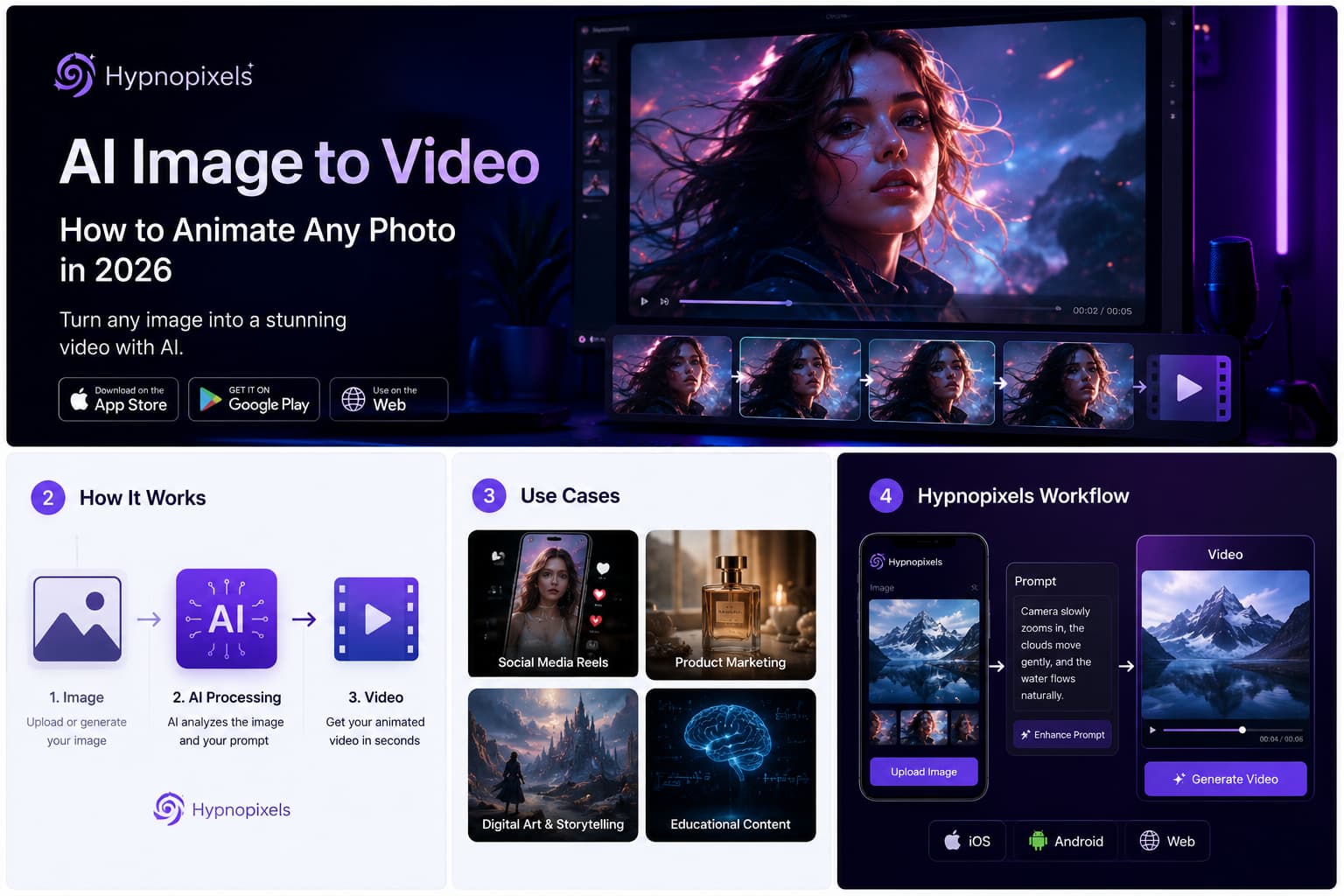
Artificial intelligence has transformed the way we create visual content. What once required professional video editing skills can now be done in minutes. One of the most exciting developments is AI image-to-video technology, which allows users to turn a single image into a dynamic video with realistic motion, camera effects, and cinematic storytelling.
Whether you’re a content creator, marketer, business owner, or simply experimenting with AI tools, image-to-video generation opens up entirely new creative possibilities.
What Is AI Image-to-Video Generation?
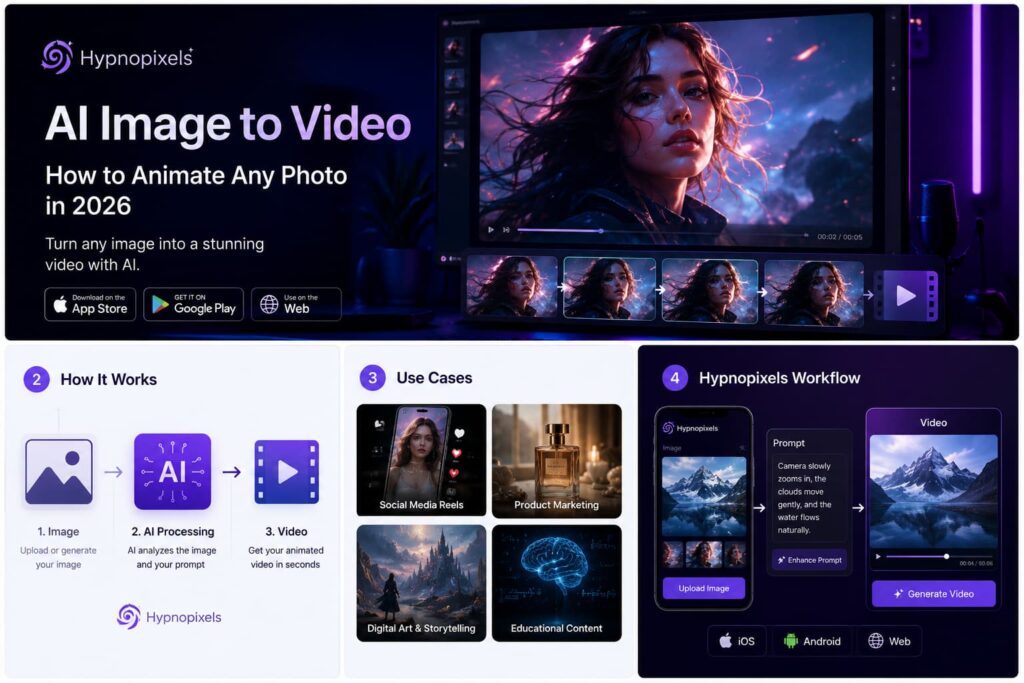
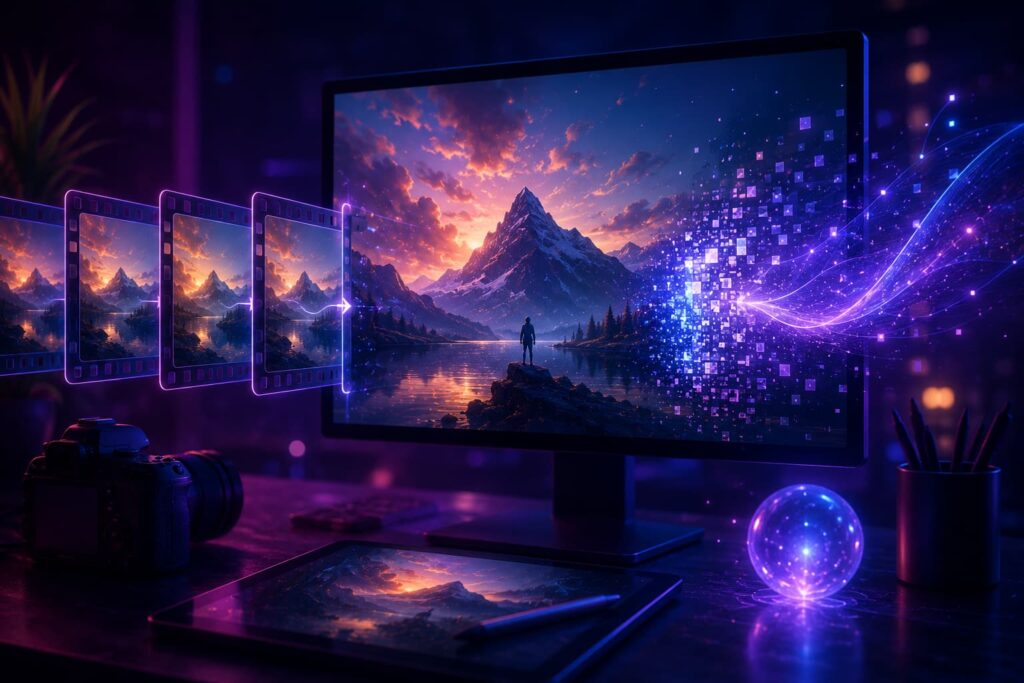
AI image-to-video generation uses machine learning models to analyze a static image and predict realistic movement between frames. The result is a short video that appears naturally animated.
Modern AI models can:
- Create camera movements such as zooms, pans, and rotations
- Animate people, animals, and objects
- Generate realistic facial expressions
- Add environmental effects like wind, rain, and lighting changes
- Transform AI-generated artwork into engaging videos
The technology has rapidly evolved, making high-quality animation accessible to everyone.
Why Image-to-Video AI Is Becoming Popular
Short-form video dominates social media platforms including Instagram Reels, TikTok, YouTube Shorts, and Facebook.
However, producing video content traditionally requires:
- Video recording equipment
- Editing software
- Technical expertise
- Significant production time
AI eliminates many of these barriers.
With a single image, creators can generate engaging videos in minutes, allowing them to produce more content with fewer resources.
Common Use Cases
Social Media Content
Creators can transform AI-generated images into eye-catching videos that attract more engagement than static posts.
Product Marketing
Brands can animate product photos for advertisements, landing pages, and promotional campaigns.
Storytelling
Artists and writers can bring characters and scenes to life without learning advanced animation software.
Educational Content
Teachers and educators can create visual explanations using AI-generated imagery and motion.
How to Turn an Image Into a Video with Hypnopixels
Hypnopixels makes image-to-video creation simple.
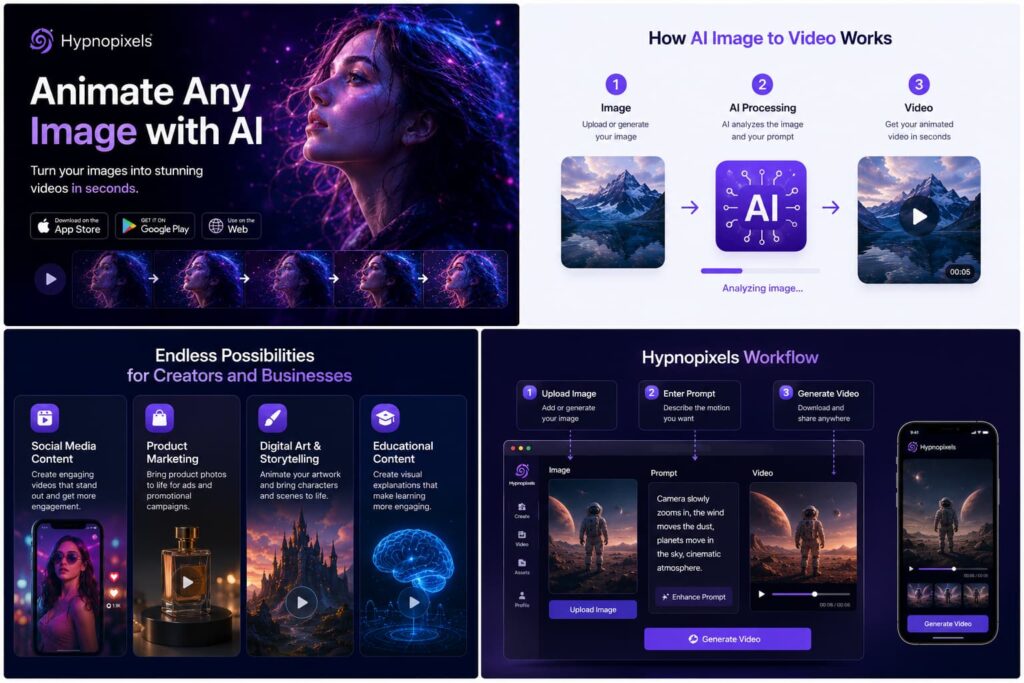
Step 1: Upload or Generate an Image
Start with an existing photo or create a new image using the Hypnopixels AI image generator.
Step 2: Describe the Motion
Use a text prompt to explain how you want the scene to move.
Examples:
- “Slow cinematic zoom toward the character.”
- “The woman’s hair moves gently in the wind.”
- “Camera flies through the futuristic city.”
- “Ocean waves move naturally while the sun sets.”
Step 3: Generate the Video
The AI analyzes the image and prompt, then creates an animated sequence based on your instructions.
Step 4: Download and Share
Export your video and publish it on social media, websites, advertisements, or creative projects.
Tips for Better AI Videos
To achieve the best results:
Use High-Quality Images
Detailed images provide more information for the AI to animate effectively.
Give Specific Instructions
Instead of writing “make it move,” describe the exact action and camera movement you want.
Focus on One Main Motion
Simple, clear animations often look more realistic than overly complex scenes.
Experiment with Different Styles
Try cinematic, realistic, anime, fantasy, or futuristic prompts to discover unique effects.
The Future of AI Video Creation
Image-to-video technology is improving at an extraordinary pace. New AI models generate longer clips, smoother movement, and increasingly realistic results.
As AI continues to evolve, the distinction between traditional video production and AI-generated content will become increasingly blurred.
Creators who adopt these tools early will gain a significant advantage in producing engaging visual content quickly and efficiently.
Create AI Videos with Hypnopixels
Hypnopixels combines powerful AI image generation and image-to-video technology in one platform.
Available on:
- iOS
- Android
- Web
Whether you’re creating content for social media, marketing campaigns, or personal projects, Hypnopixels helps transform your ideas into stunning images and videos in minutes.